Getting Started with Creative Solutions Toolkit: Your First Steps
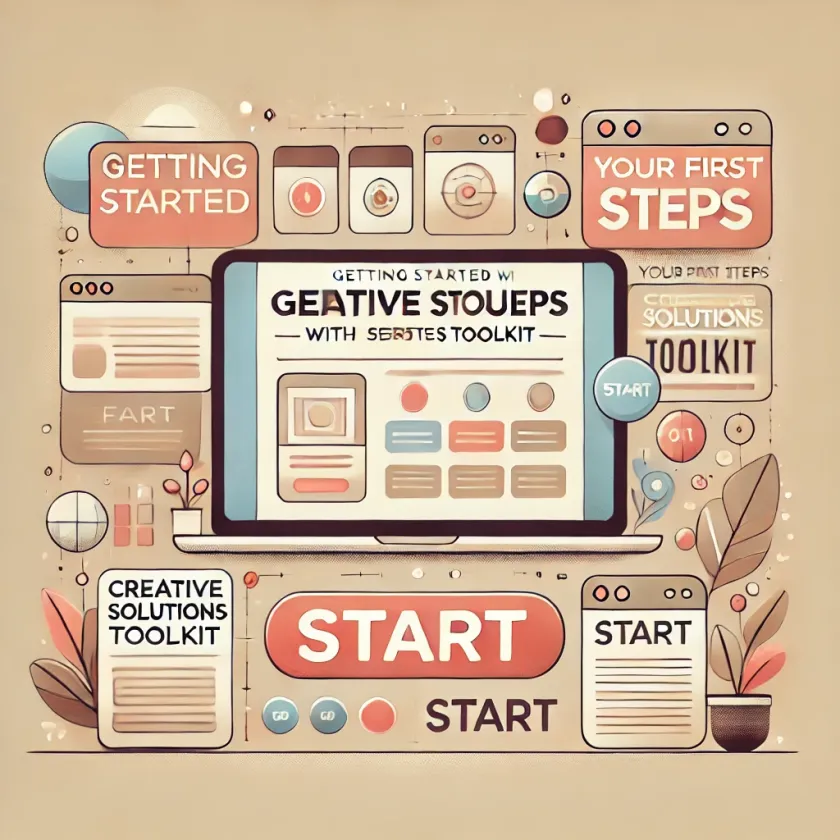
Welcome to the Creative Solutions Toolkit, the ultimate platform for building professional websites with ease. Whether you're just starting or looking to streamline your web development process, this guide will help you get familiar with the basics and set you on the path to creating beautiful, functional websites.
Getting Started
The first step in using the Creative Solutions Toolkit is setting up your project. Our intuitive setup process ensures that you can get started in just a few clicks. Once you've created your account and chosen your project type, you’ll be guided through a quick tour of the toolkit’s main features.
Exploring the Interface
The dashboard is designed to be user-friendly, allowing you to navigate between different sections with ease. You'll find various panels that include your project settings, component library, and customization options. Spend some time familiarizing yourself with these sections, as they will be your main tools throughout the website-building process.
Building Your First Page
To build your first page, start by selecting a layout from our extensive template library. These templates are fully customizable, allowing you to modify elements to suit your brand. Once you've selected a layout, you can begin adding components from the library, arranging them as you see fit.
Conclusion
By the end of this guide, you should have a solid understanding of how to navigate the Creative Solutions Toolkit and start building your website. Stay tuned for more detailed tutorials on advanced features and best practices.