Mastering Customization in the Creative Solutions Toolkit
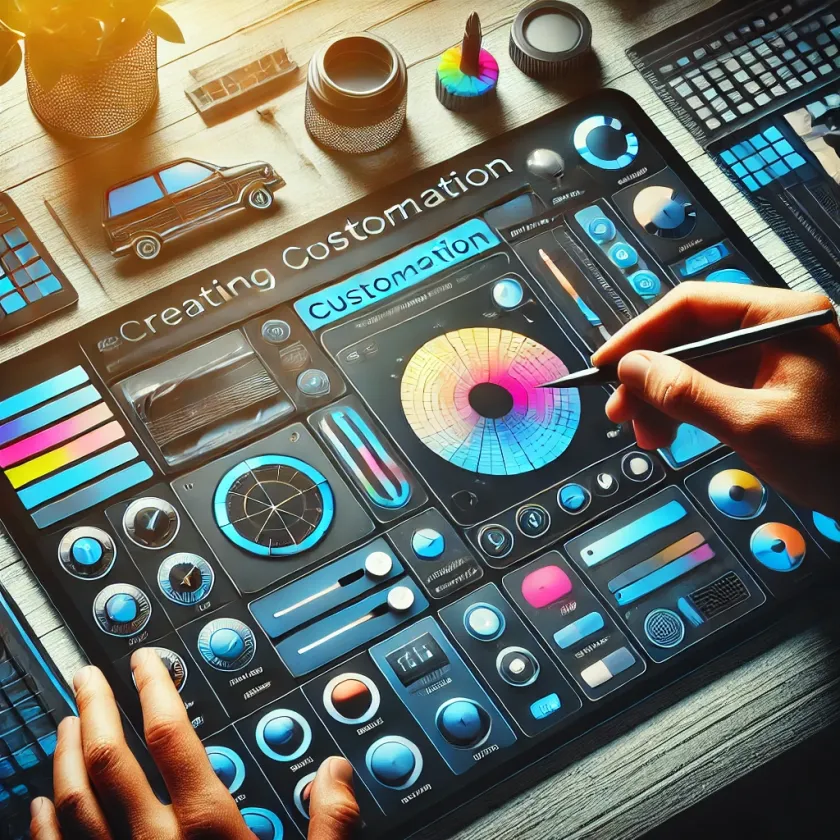
Customization is one of the standout features of the Creative Solutions Toolkit. It allows you to tailor every aspect of your website to fit your brand’s identity and message. In this guide, we’ll explore the customization options available and how you can use them to create a website that’s uniquely yours.
Understanding the Customization Panel: The customization panel is where you can make adjustments to your website’s design and layout. From here, you can change colors, fonts, spacing, and more. Each component you add to your page is fully customizable, ensuring that no two websites look the same.
Colors and Fonts: Choosing the right color scheme and typography is crucial for maintaining brand consistency. The Creative Solutions Toolkit offers a wide range of color palettes and font families to choose from. You can also upload custom fonts if you have specific branding requirements.
Layout Adjustments: Sometimes, small tweaks to the layout can make a big difference. Whether it’s adjusting the padding around an image or aligning text to the left instead of the center, these minor changes can enhance the overall look and feel of your site.
Advanced Customization: For those with coding skills, the toolkit offers advanced customization options. You can add custom CSS or JavaScript to further refine your website’s appearance and functionality. This flexibility ensures that you’re not limited by pre-set templates and can truly make your site your own.
Conclusion: The Creative Solutions Toolkit’s customization features are designed to give you complete control over your website’s design. With just a few clicks, you can create a website that not only looks great but also aligns perfectly with your brand’s vision.